Requirements
OpenMetadata 1.3 or later
To deploy OpenMetadata, check the Deployment guides.
Metadata Ingestion
Prepare the SAS Service and configure the Ingestion:Connection Details
Connection Details
- ServerHost: Host and port of the SAS Viya deployment.
- Username: Username to connect to SAS Viya. This user should have privileges to read all the metadata in SAS Information Catalog.
- Password: Password to connect to SAS Viya.
- Filter: A filter expression specifying items for import. For more information see
Test the Connection
Once the credentials have been added, click on Test Connection and Save the changes.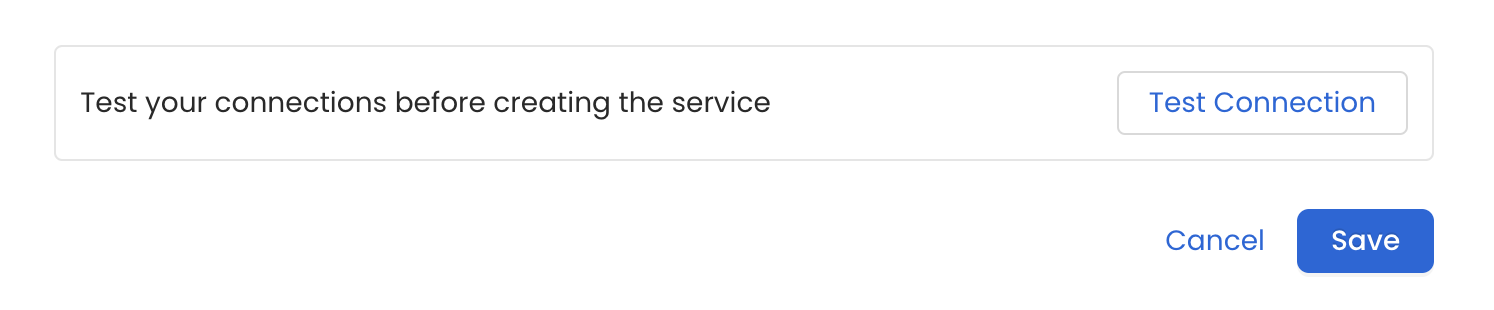
Configure Metadata Ingestion
In this step we will configure the metadata ingestion pipeline,
Please follow the instructions below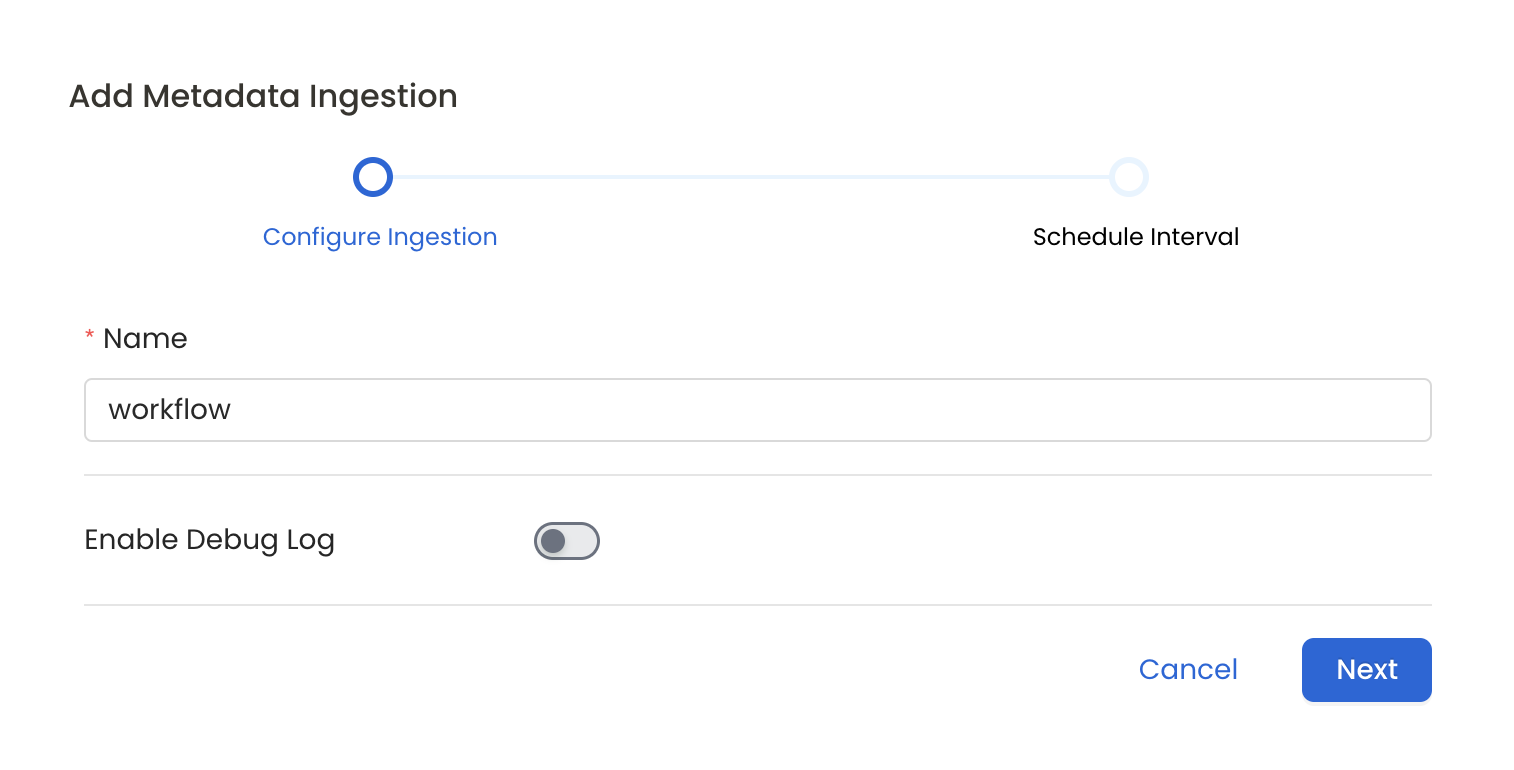
Schedule the Ingestion and Deploy
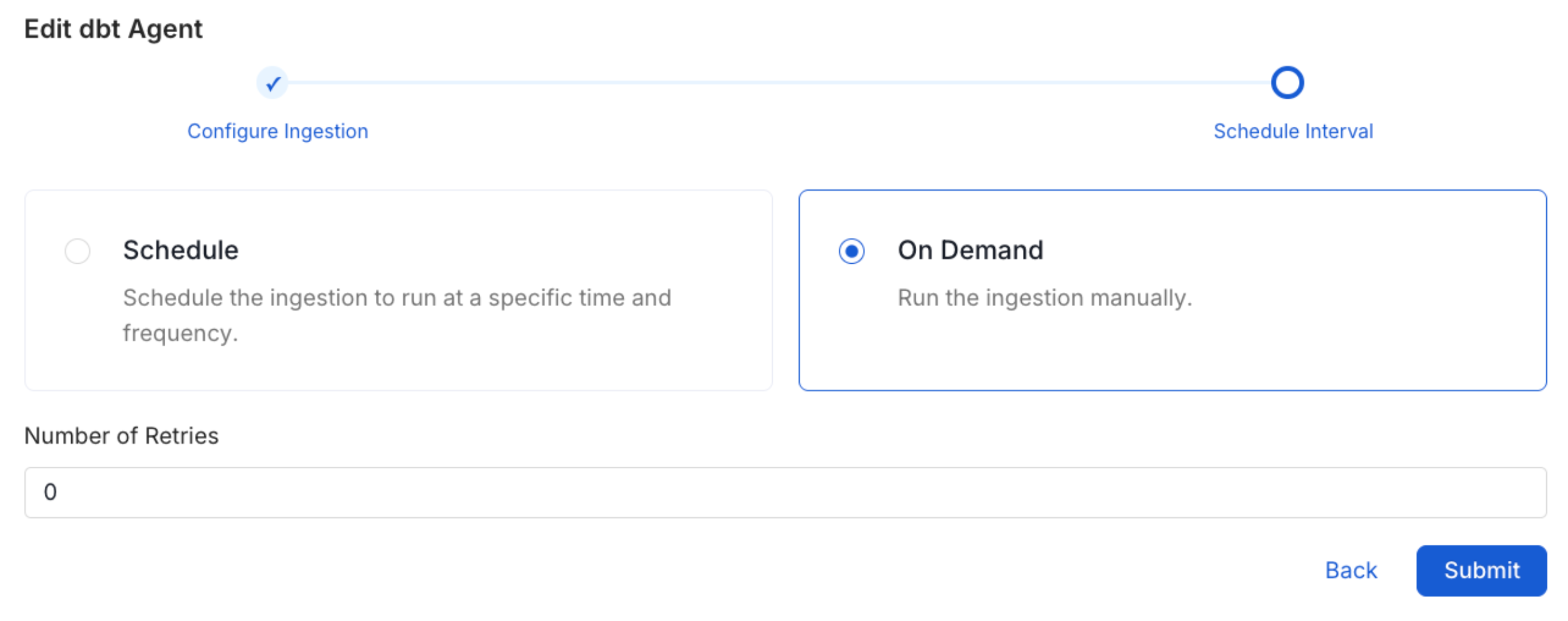
Scheduling can be set up at an hourly, daily, weekly, or manual cadence. The
timezone is in UTC. Select a Start Date to schedule for ingestion. It is
optional to add an End Date.Review your configuration settings. If they match what you intended,
click Deploy to create the service and schedule metadata ingestion.If something doesn’t look right, click the Back button to return to the
appropriate step and change the settings as needed.After configuring the workflow, you can click on Deploy to create the
pipeline.